Send, receive, and move money in minutes
Explore an easier and better way to make payments, manage your money whenever you want



Your Digital Bank Account, Reimagined and Get Paid Without the Hassle
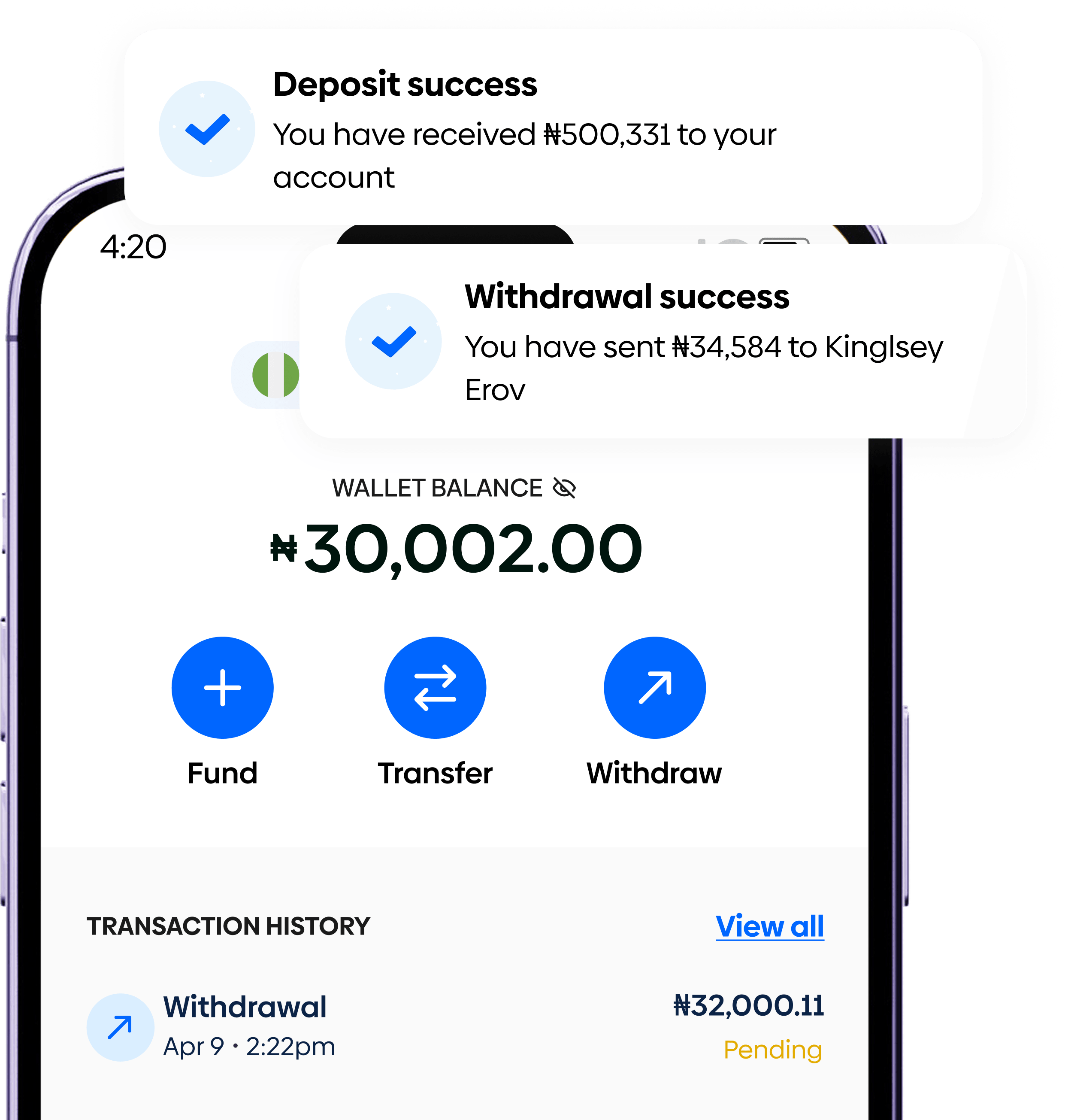
With a Coast.ng account, you get more than just a wallet — you get a fully functional bank account designed for cross-border living and business.
What you get:
- Local NGN bank account details
- Instant account creation (no paperwork)
- Real-time balance updates
Perfect for everyone
Your journey with Coast starts here! Just follow these easy steps
Whether you’re receiving salary, client payments, or family support — Coast.ng makes it seamless.
- Receive money from other Coast.ng users
- Share your account details
- Get notified instantly when funds arrive
Your money is safe with us
- Encrypted transactions
- PIN & biometric protection
- KYC-verified accounts
Frequently Asked Questions
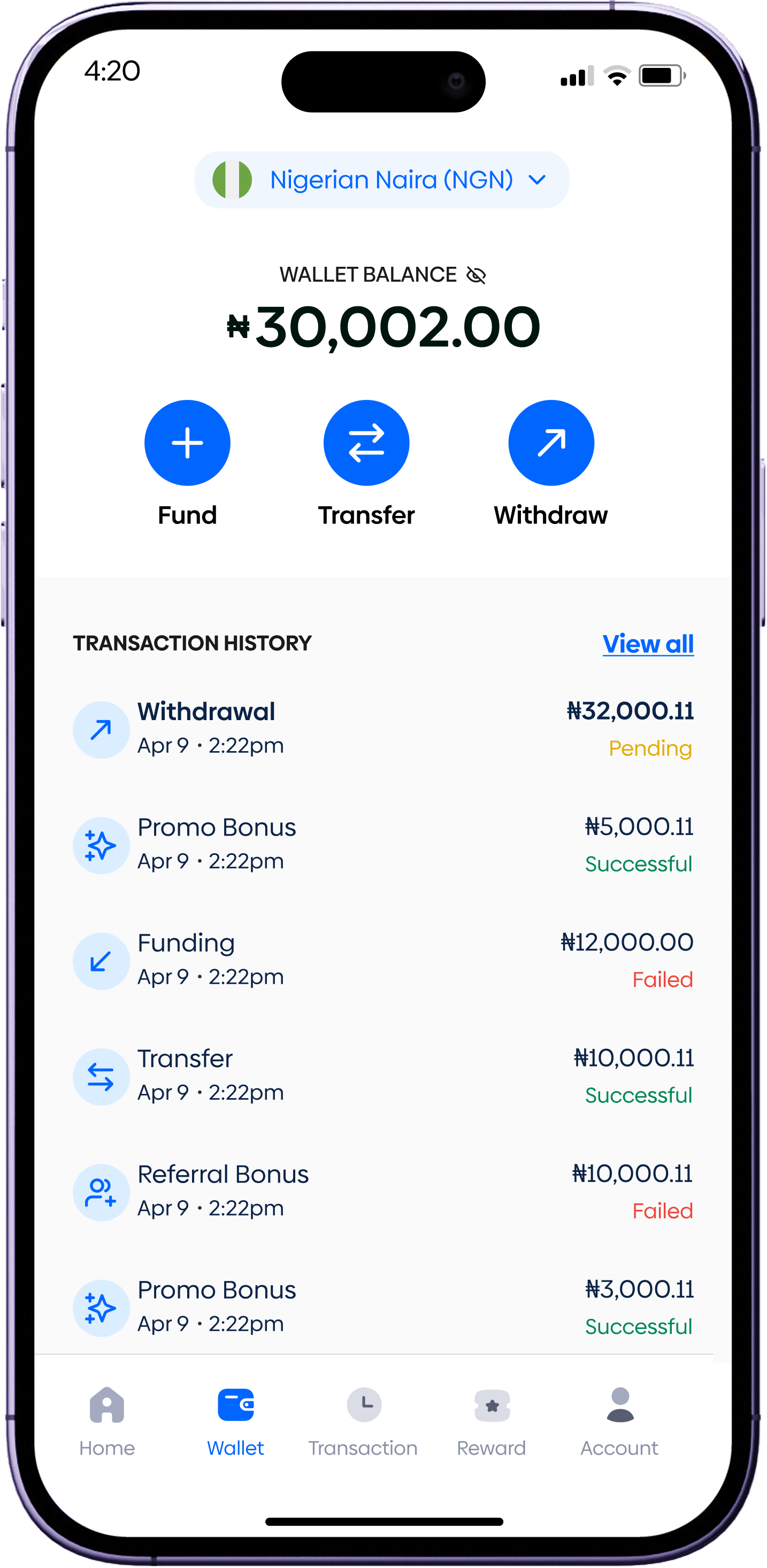
To receive money, go to the Account tab and select Virtual Account. Copy your bank details and share them with the sender.Funds sent to this account will be credited instantly to your Coast wallet.
Yes, all deposits made to your virtual account are credited immediately once the transfer is successful.
Yes, a transaction fee of 1% of the deposited amount applies, capped at ₦1,000 per transaction.
No, you have unlimited daily deposit limits on your Coast virtual account.
To send money, go to the Home tab, select Transfer, enter the recipient’s username, input the amount and a short description, and tap Proceed to complete the transfer.
You can send money to friends and family who are on Coast using their username.
Want hassle-free trading?
Join the Coast family on the journey to a seamless trading experience